

- Projects and protected contracts
- Active assertion posture
- Summaries of protected actions, assertion behavior, circuit breakers, failure modes, and assertion triggers
- Operational risk properties where verifiable
- Deployed-vs-audited code context where available
- GitHub, audit, and formal verification links
- Aggregate invalidation history, such as a reference ID and timestamp
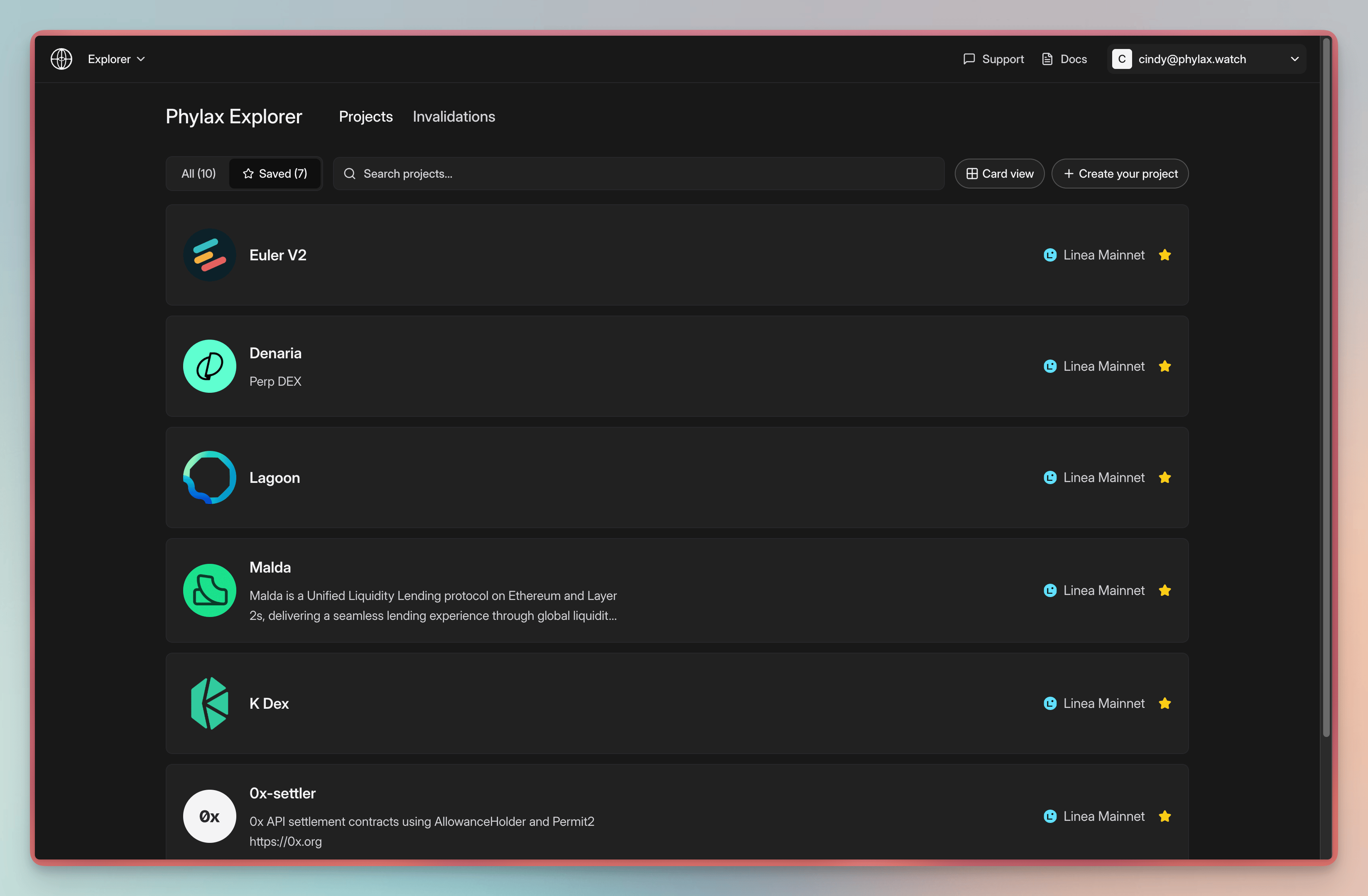
The Phylax Explorer project directory
For a high-level view of how the platform interfaces with the rest of the system, see
Interface Overview.
Search / Filter
- You can search for projects at any time using the project search field or by hitting
cmd/ctrl + k - You can filter projects by network
Security Posture Evidence
The Phylax Explorer is designed to help users inspect protocol security information without reducing it to a score. The Phylax Explorer can show the protections that are active for each public project, the contracts they apply to, the actions they check, and the unsafe conditions they are meant to prevent. Where supporting evidence is available, The Phylax Explorer can also show admin and upgrade information, audit links, and deployed-vs-audited code context. Use this view to answer questions such as:- Which contracts are protected?
- Which assertions are active?
- What actions cause each assertion to run?
- What failure modes are the assertions designed to block?
- Who appears to control upgrades or sensitive operations?
- Does the deployed code appear to match known audited code?
Accessing The Phylax Explorer
- Click the “Explorer” tab in the navigation bar
- Browse projects
Use Cases
For Allocators and Risk Teams- Review which controls a protocol has listed publicly
- Compare protected contracts, active assertions, upgrade information, audit context, and evidence across protocols
- Verify which assertions protect a protocol before interacting
- Review public evidence and invalidation metadata when available
- Show users, partners, and investors what protections are active
- Explain assertion coverage without requiring every reviewer to read source code first
- Keep project metadata, audit links, and repository context current
- Browse assertions from protocols with similar contracts
- Learn from existing assertion implementations
- Copy and adapt assertion patterns for your own protocol
Why Users Trust Protected Protocols
- Public registry: Assertions and protected contracts are visible on-chain
- Transparent enforcement: Dropped transactions appear as limited public invalidation records and detailed private project invalidations
- Auditable rules: Assertions are published Solidity, not opaque policy
Next Steps
Platform Overview
Learn more about the platform
Projects
Create your own project
Invalidations
Learn more about invalidations
Writing Assertions
Learn how to write assertions